Errors
Below I will list some errors encountered during my research with NAO.
Cannot Connect To NAO
This error occured when I was first trying to get NAO to connect. It was a simple script to make NAO speak using the “ALTextToSpeech” module.
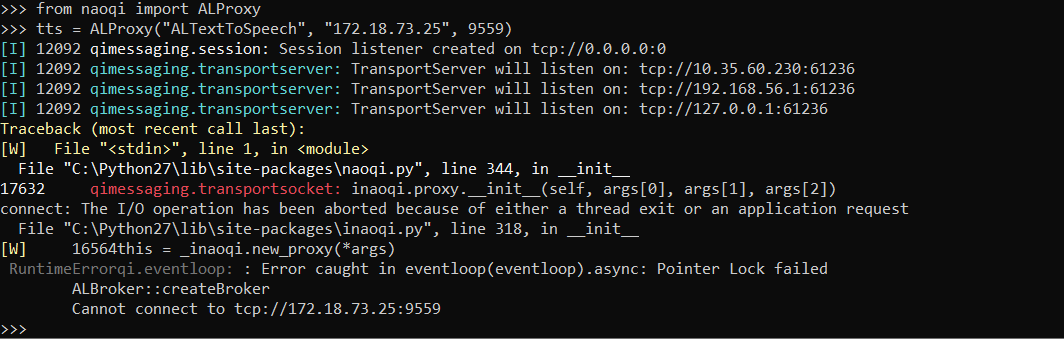
The following lines were used:
1 2 | from naoqi import ALProxy
tts = ALProxy("ALTextToSpeech", "172.18.73.25", 9559)
|
The issue was solved by inserting the following line:
1 2 3 | from naoqi import ALProxy
import qi #This line fixed the issue
tts = ALProxy("ALTextToSpeech", "172.18.73.25", 9559)
|
The Hello World tutorial from Aldebaran did not indicate to use this line. Till this day, I am unsure why Aldebaran’s official tutorial does not include the import qi statement.
Choregraphe Not Connecting to NAO
This is another issue I personally had. After reinstalling twice and it still not working properly, it worked on the next day. I suspect it might have been a networking issue.
For anyone wanting to know how I connected with NAO, there was an ethernet connected from NAO to my personal laptop.
NAO Not Recognizing Human Face (Learn Face Module)
The Learn Face module found in Choregraphe failed to detect my face. Our NAO robot came with a laptop preconfigured to run NAO out of the box. Both this laptop and my own were used to try this function and both resulted in errors.
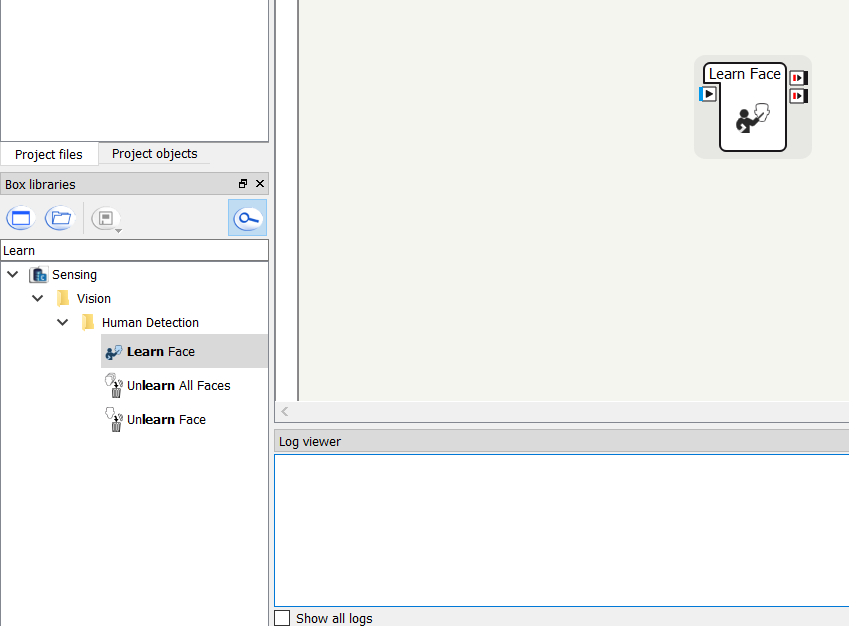
No fix was ever found for this error. I reached out to NAO’s support team twice but both times refused to help.